VMware Identity Broker Failure After Password Expiration
Article ID: 425142
Updated On:
Products
VCF Operations
Issue/Introduction
After a password expiration, Identity Broker failed in the management domain. While login with
[email protected] worked, VCF SSO authentication timed out (~30 seconds) with the error “An error occurred while fetching Identity providers.”Further checks showed an STS Signing error: “
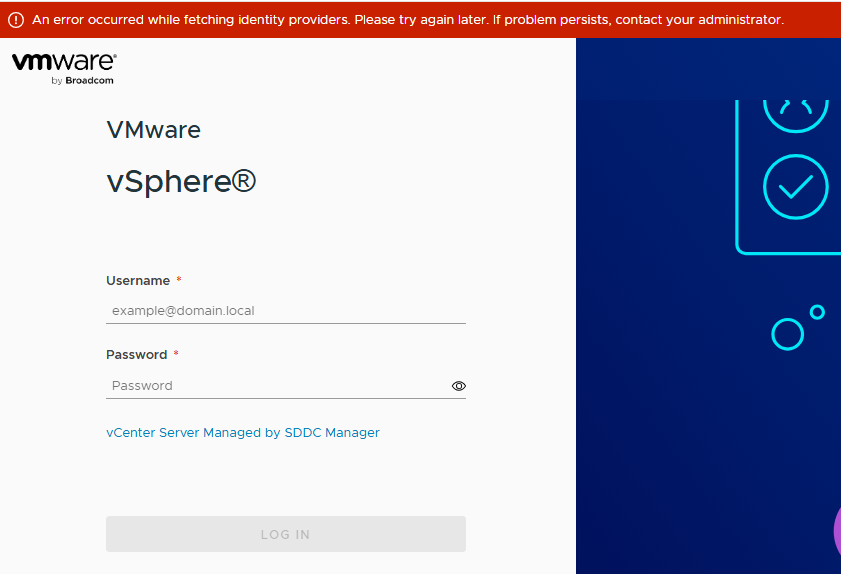
Error occurred while fetching STS certificate: service unavailable.”Environment
VMware Cloud Foundation 9.0.1.0
Cause
The
vmware-trustmanagement-service was not running due to a race condition during the service startup process. This known issue typically occurs 90 days after vCenter Server deployment.Resolution
To remediate the failure with Identity Broker:
1. Establish an SSH session to the vCenter Server and login as
root.2. Run the following command:
service-control --start vmware-trustmanagement3. After restarting the trust management service, the issue should get resolved.
Additional Information
Feedback
Yes
No
Powered by
