Aria Automation Deployed VMs with Cloud Config Show Automatically Mounted ISO File in vCenter for the Respective Virtual Machine
Article ID: 415896
Updated On:
Products
VCF Operations/Automation (formerly VMware Aria Suite)
Issue/Introduction
Virtual machines (VMs) deployed through VMware Aria Automation, some VMs appear with an ISO file mounted in vCenter under the CD/DVD drive settings.
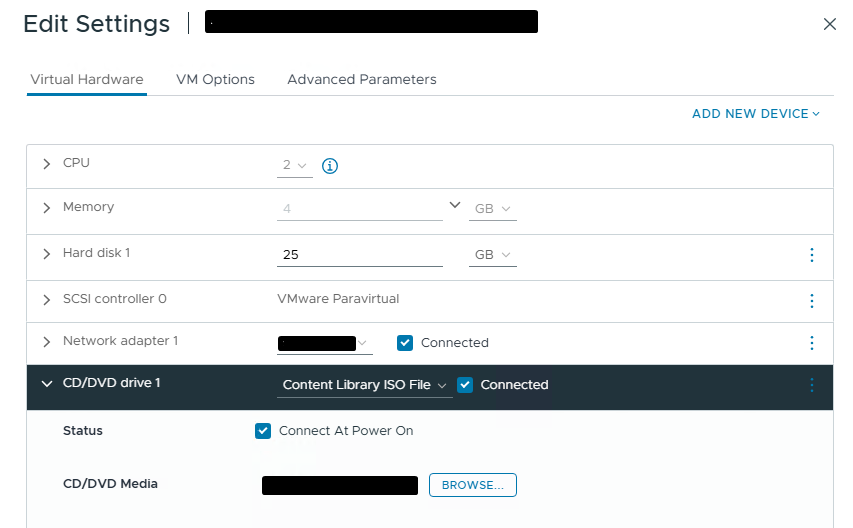
Environment
Aria Automation 8.x
Resolution
This behavior is expected for VMs that use cloud-init with cloud-config for guest customization during deployment.
When a VM is deployed from an OVF or OVA template that includes cloud-init configuration, vSphere automatically generates and attaches a temporary ISO file.
This ISO file contains OVF environment data, which includes metadata and configuration details that cloud-init reads during the first boot to apply guest customization settings such as:
This ISO file contains OVF environment data, which includes metadata and configuration details that cloud-init reads during the first boot to apply guest customization settings such as:
-
Network configuration
-
Hostname assignment
-
User data and initialization scripts
Feedback
Yes
No
Powered by
